 Lupa Team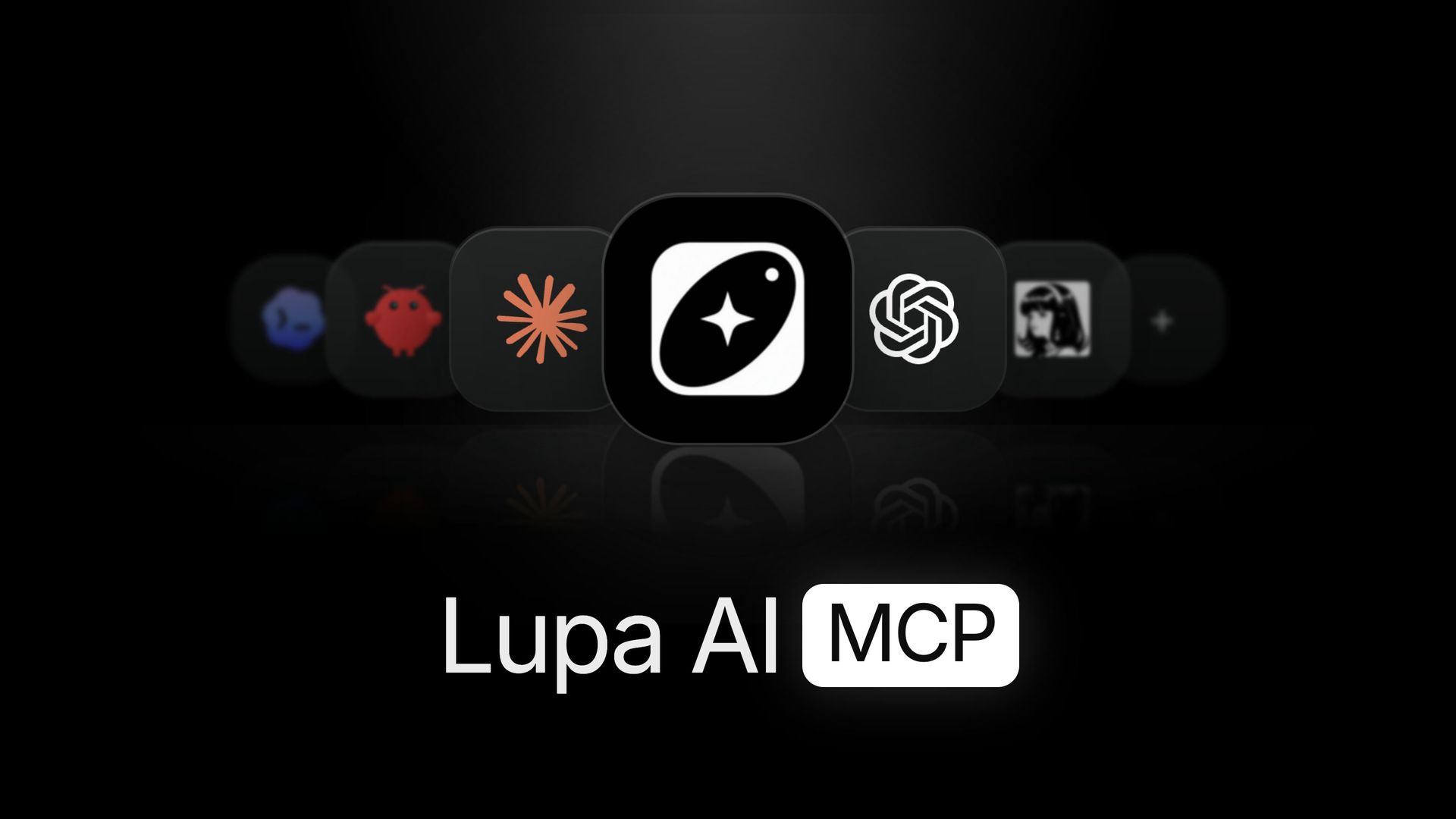
On this page
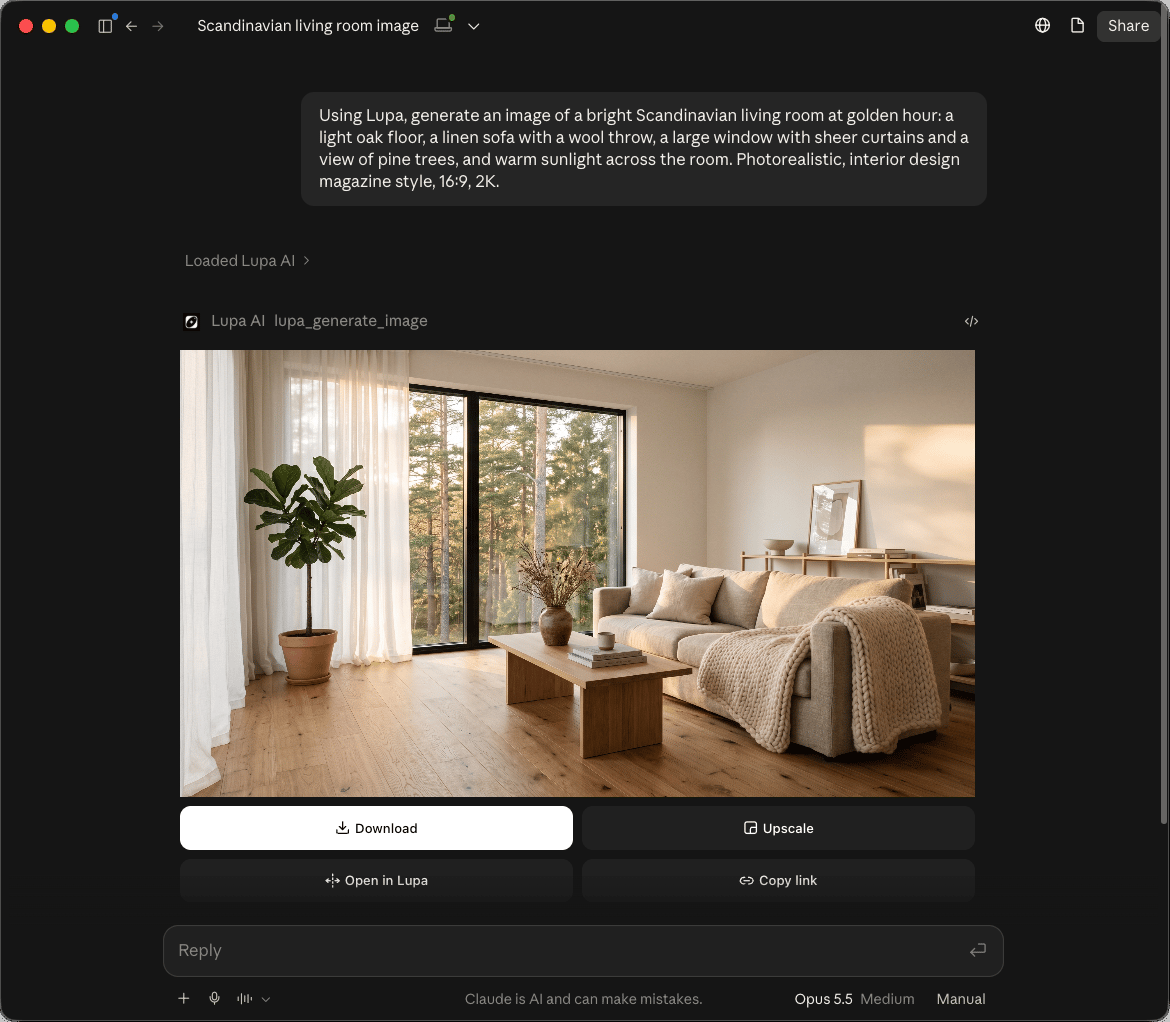
The Lupa MCP is a way to use Lupa from inside your AI assistant. Once connected, you can ask Claude or ChatGPT to generate a product shot, turn it into a 10-second video and upscale it to 4K, and it does it with Lupa's models, on your account, without you leaving the chat.
MCP stands for Model Context Protocol, an open standard that lets AI assistants call external tools. Lupa's MCP server exposes our image, video and upscaling tools to any assistant that speaks it.
What can the Lupa MCP do?
Your assistant gets a set of Lupa tools it can call on its own:
| Tool | What it does |
|---|---|
| Generate image | Text-to-image and image editing with Lupa's image models |
| Generate video | Text-to-video and image-to-video, including Seedance and Kling |
| Upscale image | Increase resolution and detail of a photo |
| Upscale video | Enhance a clip up to 4K |
| Angles | New camera angles of the same subject |
| Estimate cost | Tells the assistant the token cost before it spends anything |
| Get credits | Checks your spendable balance |
| List models | Shows which models and presets are available |
| Upload media | Sends your own images or videos to Lupa as inputs |
Generations are asynchronous: the assistant starts the job, gets a job id and checks back until the result is ready. Results show up in your Lupa library like anything else you create.
How do I connect it?
The server lives at https://mcp.lupa.art/mcp. Connecting takes a minute:
- In your assistant's settings, add Lupa as a custom connector using the URL above.
- Your assistant opens a Lupa sign-in window. Log in and pick the team whose tokens should pay for generations.
- Approve the connection. That's it. Ask for an image.
There is no API key to copy. The connection is tied to your account and one team.
How does billing work?
Generations made through the MCP cost the same tokens as in the app, charged to the team you picked when connecting. Before a generation, the assistant can call Estimate cost and tell you the price, and Get credits shows the same balance you see in Lupa's sidebar.
The MCP is available on every plan, and generations use your normal token balance. See pricing.
What can I use it for?
- Batch work in one conversation. "Make four variations of this product photo on a white background, then upscale the best one."
- Video from an idea. Describe a shot and let the assistant write a detailed prompt for Seedance 2.5, then generate it.
- Agent workflows. If you build with Claude Code or similar tools, your agent can create and upscale assets as part of a larger task.
Is my content private?
Everything the MCP creates belongs to your team and appears in your library, exactly like work made in the web app.
For more on what you can generate, see the News section and what is Space Motion.
Still have questions?
Which plans include the Lupa MCP?
Every plan. Generations made through the MCP use your normal token balance.
Do I need an API key?
No. You connect with your Lupa account through a sign-in screen. There is no key to copy or leak.
How am I billed for generations made through the MCP?
Exactly like in the app: each generation spends tokens from the team you chose when you connected. The assistant can check the cost before it generates.
Which assistants work with it?
Any client that supports remote MCP servers with sign-in, including Claude and ChatGPT.